ImgDownloader 只要貼上網址就可以把圖片通通存下來!
在網路上走跳,要是看到想要保存的圖片,通常都只要使用滑鼠右鍵的「另存圖片」功能就可以將圖片儲存到電腦中,不過若是一個網頁中有好多張圖片都想要保存的話,一張一張存就太沒效率了哦!
「ImgDownloader」是一個很方便的線上圖片下載工具,只需要貼上網址就能幫你將網址內所有可以找到的圖片一口氣通通都下載回來,不用單張操作又快又便利。可以接受單純的網址,也可以使用 Google 關鍵字搜尋圖片,或是 Instagram、Facebook、Twitter 上任何的照片、影片都可以透過它來取得。
不過無論是從何處下載到的圖片、影片,非經所有者的許可都不可擅自使用,避免侵權,做為個人珍藏就沒問題囉!有需要批次下載圖片的朋友,可以來嘗試看看。
網站名稱:ImgDownloader 網站網址:https://imgdownloader.com/
網頁畫面:
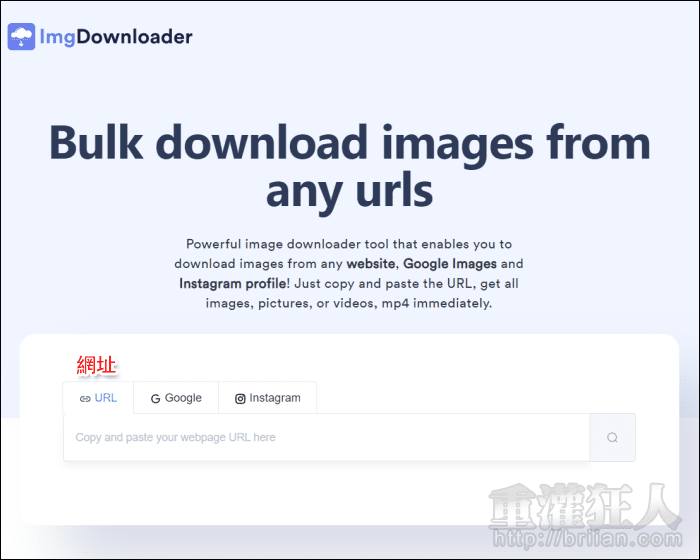
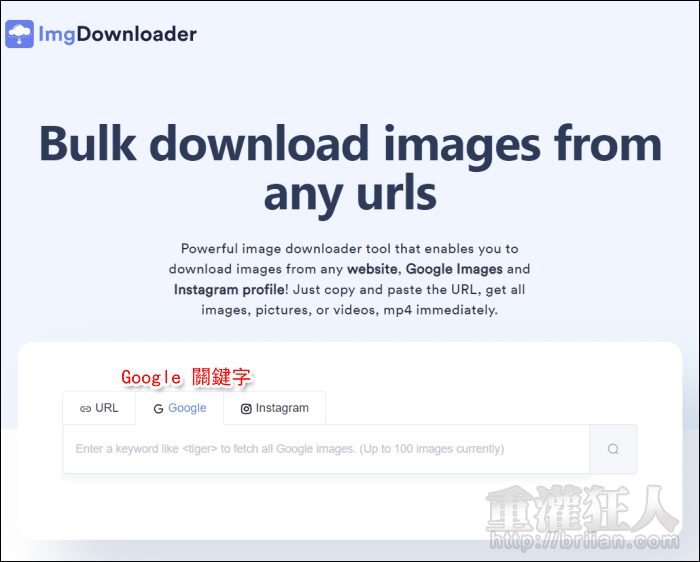
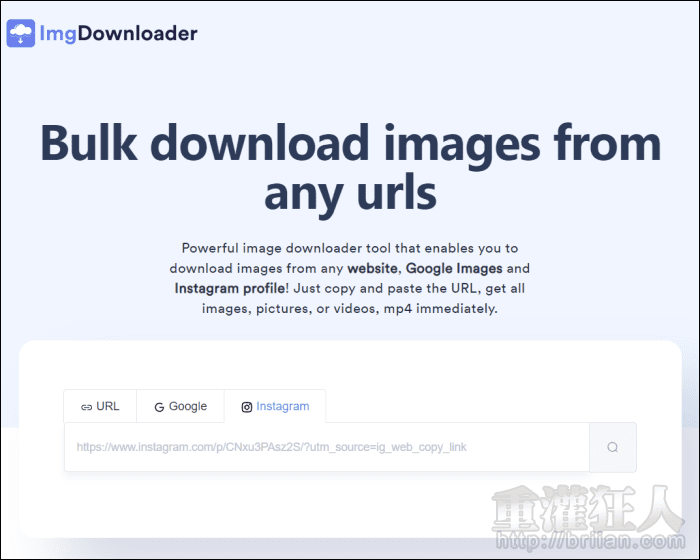
開啟網頁後,就可以看到下面的搜尋欄,有三個功能標籤,包含網址、Google 關鍵字以及 Instagram。Google 圖片關鍵字的部份,只會列出最前面的 100 張。
翻頁閱讀 »
ImgDownloader is a really useful tool for quickly saving and managing images online. The simple interface and fast downloading process make it convenient for content creators, marketers, and bloggers. Digital tools like this help improve productivity across many industries, especially businesses that rely heavily on visual content and online marketing. Even rental companies in milwaukee can benefit from efficient image management tools when promoting properties, listings, and customer services online. Great recommendation for anyone looking for an easy image downloading solution.
Great tool for saving images quickly from URLs.
ImgDownloader looks simple and easy to use.
It can save time for people who handle many images daily.
I like tools that make file downloading faster.
3utools
users can also understand how useful simple tools are.
Clean interface and quick access matter a lot.
Nice work, keep improving it.